A workspace of your own
Sign up, log in, and return to your saved proposals. Each freelancer manages their own records.
 ScopeShield.
Keep projects moving when the scope changes. Compare client requests with AI, agree on the extra work, and collect payment through PayPal sandbox.
Working hackathon prototype · Sandbox payments only
ADDITIONAL WORK PROPOSAL
A three-page website and contact form.
Product catalog, shopping cart, and checkout.
Sound familiar?
Three pages. A contact form. One revision round.
“Could you add ten products, a cart, and checkout too?”
Paste the original agreement and the new request side by side. No contract upload setup, no complicated project configuration.
Try the built-in website example to explore the real AI flow with synthetic text.
Try your first comparison ↗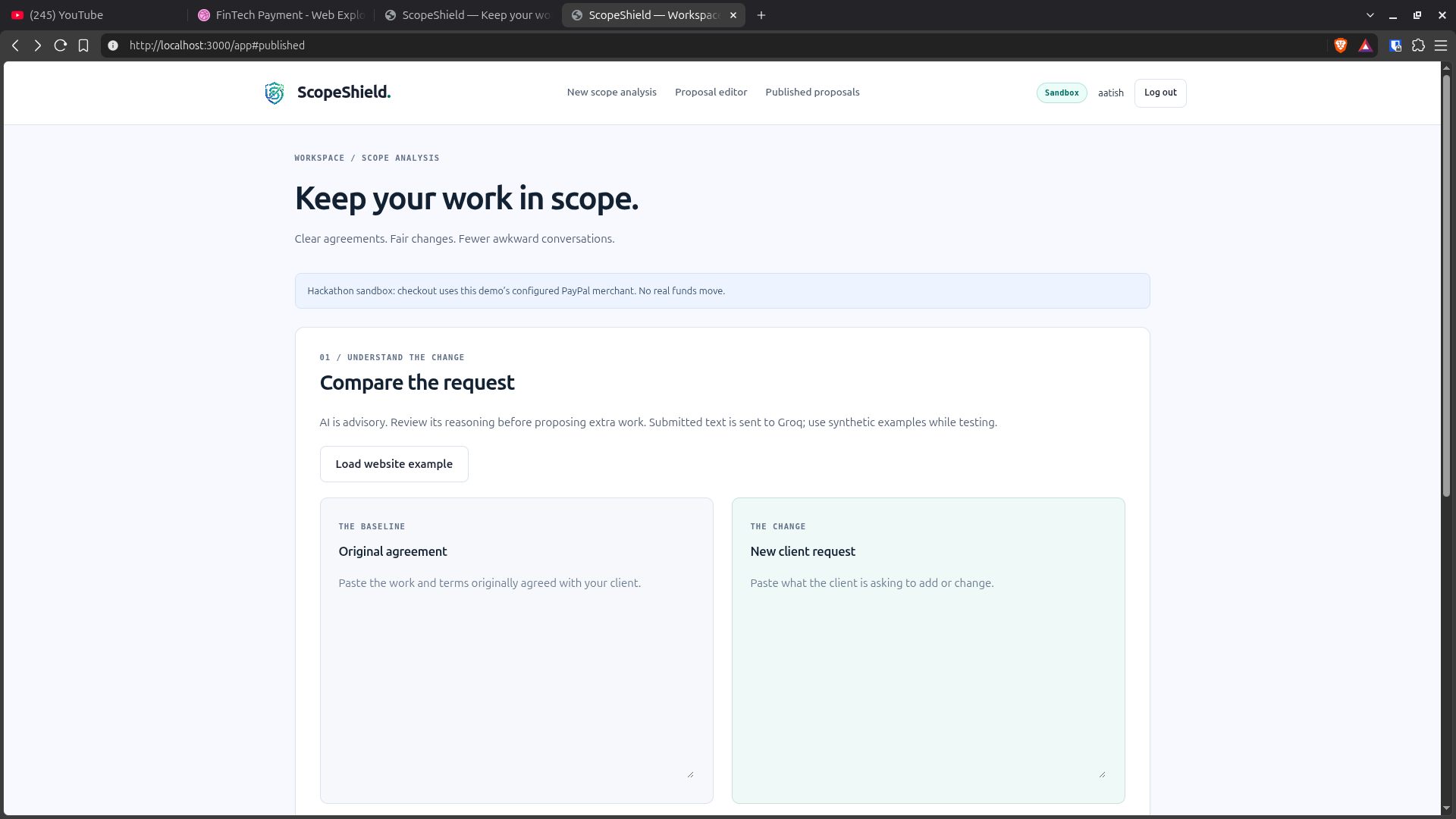
Groq compares the new request with your agreement and explains whether it looks additional, included, or unclear—with source excerpts you can review.
AI advises. You decide. It never automatically sets a price or charges your client.
“Build a three-page website … Home, About, and Contact pages”
“Can you also add an online store with ten products?”
An online store adds functionality beyond the listed pages. Review the full agreement before proposing a charge.
Edit the added work, USD price, and delivery change. Review every term, then publish a fixed proposal with a shareable client link.
Your client gets the scope summary and explanation you approve. The full source agreement and raw AI comparison stay private.
Add a ten-product store
Product catalog, shopping cart, checkout, and product management.
$250.00
Five additional working days
✓ Work, price, and delivery reviewed by you
The client opens your link, reviews the terms, accepts, and continues to PayPal sandbox. No ScopeShield account needed.
Back on ScopeShield, the server verifies the actual PayPal payment before displaying Paid. A redirect alone is never proof of payment.
Sandbox only · No real funds moveProduct catalog, shopping cart, checkout, and product management.
+5 working days
□ I accept the work, price, and delivery change.
Payment confirmed by the server after capture.
And when the work starts moving?
Your dashboard brings published proposals, confirmed sandbox collections, payment states, and recent activity into one quiet workspace.
Your published proposals, by day.
No published proposals yet.
Paid 0
Awaiting payment 0
Processing / unconfirmed 0
A complete workflow, with you in control.
Sign up, log in, and return to your saved proposals. Each freelancer manages their own records.
Source excerpts and an explanation help you assess the AI’s reasoning. Uncertainty stays visible.
You approve publication. Published work, price, and delivery cannot quietly change afterward.
Share only the approved proposal. Clients can review and pay without creating an account.
Server-side checks verify the stored order, amount, currency, and capture before showing Paid.
Copy links, check payment status, and delete proposals when safe. Saved records survive restarts.
Built with PayPal + AI
Groq handles the agreement comparison. PayPal Orders v2 handles sandbox order creation, buyer approval, capture, and payment verification.
Accounts and published proposals live in server-side SQLite. No browser storage. Text submitted for analysis goes to Groq; use synthetic data while trying the demo.
Explore the code & setup instructions ↗Next time they say “one more thing”…
One configured sandbox merchant · USD only · No real funds move.